How to Use ChatGPT for Complete Beginners — Step by Step Guide
If you have heard about ChatGPT but have no idea where to start, you are in the right place. This complete beginner’s guide will walk you through everything you need to know about ChatGPT — what it is, how it works, how to set it up, and how to use it effectively in your daily life. By the end of this article, you will feel confident enough to start using ChatGPT like a pro.
What Is ChatGPT and Why Is Everyone Talking About It?
ChatGPT is an advanced AI-powered chatbot developed by OpenAI, one of the world’s leading artificial intelligence research companies. Launched in November 2022, ChatGPT quickly became one of the fastest-growing technology platforms in history, reaching over 100 million users in just two months.
But what exactly makes ChatGPT so powerful?
ChatGPT is built on a technology called a Large Language Model (LLM). In simple terms, it has been trained on billions of words from books, websites, articles, and other text sources, which allows it to understand human language and respond in a natural, conversational way. You can ask it questions, give it tasks, have a full conversation, and even ask it to create content — all in plain everyday language.
Unlike traditional search engines that give you a list of links, ChatGPT gives you direct, detailed, and personalized answers. This is why millions of people around the world are using it every single day for work, study, creativity, and problem-solving.
What Can ChatGPT Actually Do?
Before we dive into the step-by-step guide, it is important to understand the full range of things ChatGPT can help you with. Here are just some of the most popular use cases:
- Writing assistance — blog posts, essays, emails, cover letters, social media captions
- Answering questions — on almost any topic from science to history to cooking
- Summarizing long content — articles, PDFs, research papers, and reports
- Learning new skills — explains complex topics in simple, easy-to-understand language
- Coding help — writing, debugging, and explaining code for developers
- Brainstorming ideas — business ideas, content ideas, creative projects
- Translation — translating text between dozens of languages
- Planning and organizing — creating schedules, to-do lists, travel plans, and more
- Customer service — drafting professional responses to customer queries
- Math and analysis — solving equations and analyzing data
As you can see, ChatGPT is not just a chatbot — it is a powerful all-in-one AI assistant that can genuinely save you hours of time every week.
Step 1 — Create Your Free ChatGPT Account
The first step to using ChatGPT is creating your account. The good news is that it is completely free to get started.
Here is how to sign up:
- Open your browser and go to chat.openai.com
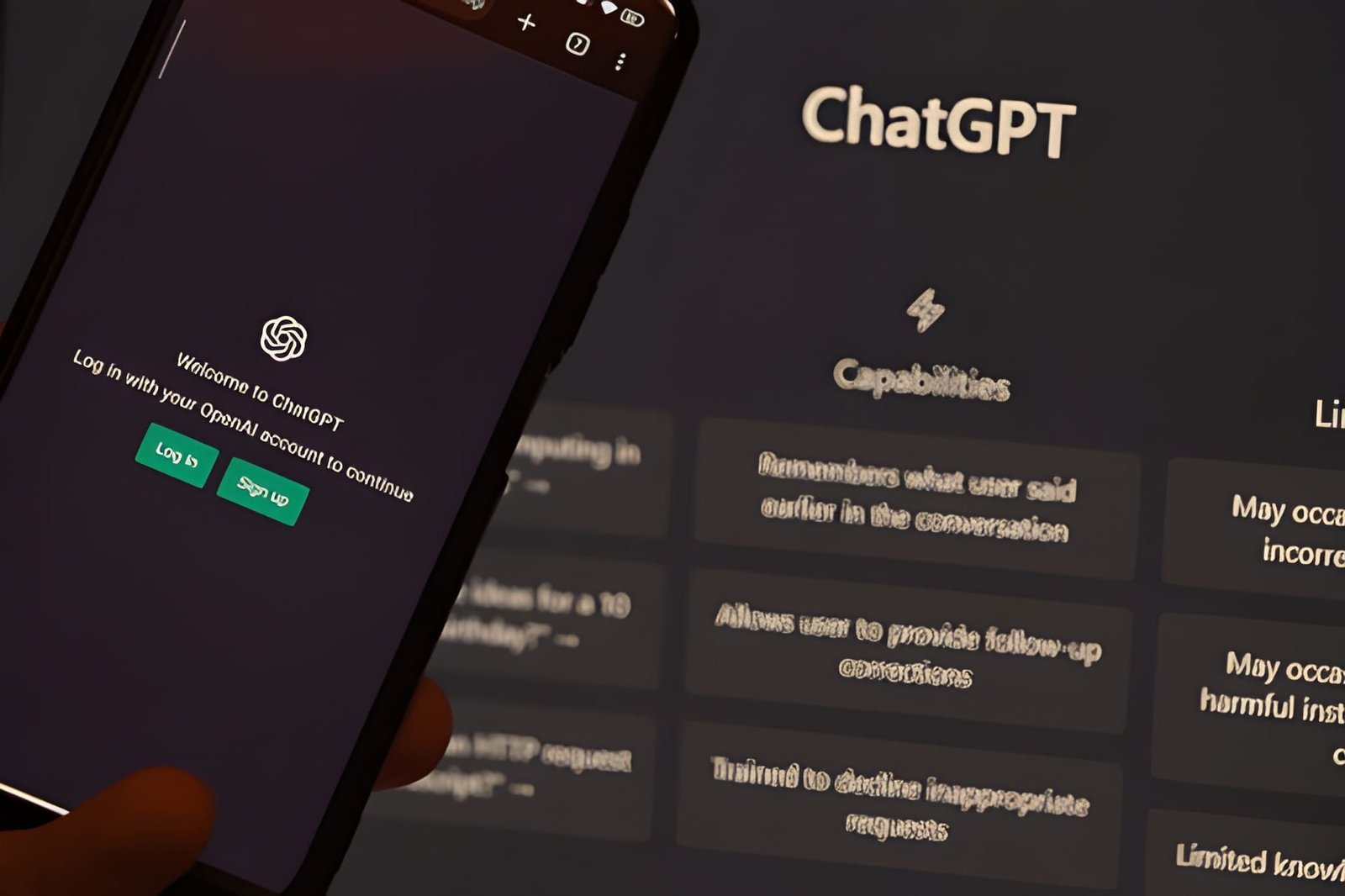
- Click on the “Sign Up” button on the homepage
- Enter your email address and create a password, or sign in with your Google or Microsoft account for faster access
- Verify your email address by clicking the confirmation link sent to your inbox
- Complete the short onboarding process by entering your name and date of birth
- You are in! You will now land on the ChatGPT dashboard and be ready to start chatting
ChatGPT offers a free plan that gives you access to GPT-3.5, which is already extremely capable for most everyday tasks. If you want access to the more powerful GPT-4o model with advanced features like image generation, file uploads, and web browsing, you can upgrade to ChatGPT Plus for a monthly subscription fee.
For beginners, the free plan is more than enough to get started and explore everything ChatGPT has to offer.
Step 2 — Understanding the ChatGPT Interface
Once you log in, you will see a clean and simple interface. Here is a quick breakdown of what you are looking at:
- Chat window — This is the main area where your conversation with ChatGPT appears
- Message box — Located at the bottom of the screen, this is where you type your questions or requests
- New Chat button — Found on the left sidebar, click this to start a fresh conversation
- Chat history — Your previous conversations are saved in the left sidebar so you can revisit them anytime
- Model selector — At the top of the screen, you can switch between GPT-3.5 and GPT-4o depending on your plan
The interface is designed to be as simple and intuitive as possible, so even if you are not tech-savvy, you will find it very easy to navigate.
Step 3 — How to Write Your First Prompt
A prompt is simply the message or instruction you type into ChatGPT. The quality of your prompt directly affects the quality of ChatGPT’s response. This is one of the most important things to understand as a beginner.
Here are some beginner-friendly tips for writing good prompts:
Be Clear and Specific Instead of typing “write something about fitness,” try “write a 300-word beginner’s guide to starting a daily workout routine at home.” The more specific you are, the better the result.
Give Context Tell ChatGPT who you are or what you need the content for. For example: “I am a high school student writing an essay about climate change. Can you explain the main causes in simple language?”
Ask Follow-Up Questions ChatGPT remembers the context of your conversation, so you can ask follow-up questions just like you would in a real conversation. If the first answer is not quite right, simply ask it to revise, expand, or simplify.
Use Role-Based Prompts You can tell ChatGPT to act as an expert in a specific field. For example: “Act as a professional career coach and help me prepare for a job interview at a marketing company.”
Step 4 — Practical Examples for Beginners
Let us look at some real-world examples of how you can use ChatGPT starting today:
For Writing Emails: Type — “Write a professional email to my boss asking for a day off next Friday due to a personal matter. Keep it polite and brief.”
For Learning Something New: Type — “Explain how blockchain technology works in simple terms that a 15-year-old can understand.”
For Planning a Trip: Type — “Create a 5-day travel itinerary for a budget trip to Istanbul, Turkey. Include must-see attractions, local food recommendations, and travel tips.”
For Studying: Type — “Summarize the key causes and effects of World War II in bullet points for a history exam.”
For Business Ideas: Type — “Give me 10 low-investment online business ideas that someone can start from home in 2025.”
These examples show just how versatile ChatGPT is. No matter what you need — writing, learning, planning, or creating — ChatGPT can handle it.
Step 5 — Tips to Get the Best Results From ChatGPT
Now that you know the basics, here are some advanced beginner tips to help you get even better results:
Always Review the Output ChatGPT is incredibly powerful, but it is not perfect. Always read through the responses carefully and fact-check any important information, especially for medical, legal, or financial topics.
Break Down Complex Tasks If you have a big task, break it into smaller steps. For example, instead of asking ChatGPT to write an entire business plan in one go, ask it to write each section separately — executive summary, market research, financial plan, and so on.
Use the Regenerate Button If you are not happy with a response, click the regenerate button to get a different answer. You can also ask ChatGPT to rewrite the response in a different tone — more formal, more casual, shorter, or more detailed.
Save Important Conversations ChatGPT saves your chat history automatically, but if you have an important response you want to keep, copy and save it in a document. This is especially useful for content, business ideas, or study notes.
Try Custom Instructions In the settings menu, ChatGPT allows you to set custom instructions — a short description of who you are and how you want ChatGPT to respond. For example, you can tell it that you are a blogger who always needs SEO-friendly content. This saves you from repeating the same context every time.
Common Mistakes Beginners Make With ChatGPT
Avoid these common errors when you are just getting started:
- Being too vague — Always give clear, detailed instructions for better results
- Trusting everything blindly — Always verify facts, especially on sensitive topics
- Giving up after one try — If the first response is not great, refine your prompt and try again
- Not using follow-up prompts — Use the conversation feature to drill deeper into a topic
- Ignoring the free plan — Many beginners think they need to pay immediately, but the free version is powerful enough for most everyday tasks
Is ChatGPT Safe to Use?
This is one of the most common questions beginners ask. ChatGPT is generally safe to use for everyday tasks. However, here are a few important things to keep in mind:
- Do not share personal information such as your full name, address, phone number, or financial details in your prompts
- Do not rely on ChatGPT for medical or legal advice — always consult a qualified professional for serious matters
- Be aware of AI limitations — ChatGPT can sometimes produce incorrect or outdated information, known as “hallucinations”
- Use it responsibly — ChatGPT is a tool to assist you, not replace your own thinking and judgment
Final Thoughts
ChatGPT is without a doubt one of the most powerful and useful AI tools available today. Whether you want to save time at work, learn something new, boost your creativity, or simply explore what AI can do — ChatGPT is the perfect starting point.
The key to getting the most out of ChatGPT as a beginner is simple — start using it. Do not overthink your prompts. Just type what you need, experiment, explore, and you will quickly discover just how much this incredible AI assistant can do for you.
The future of AI is here — and it is more accessible than ever. Start your ChatGPT journey today.

