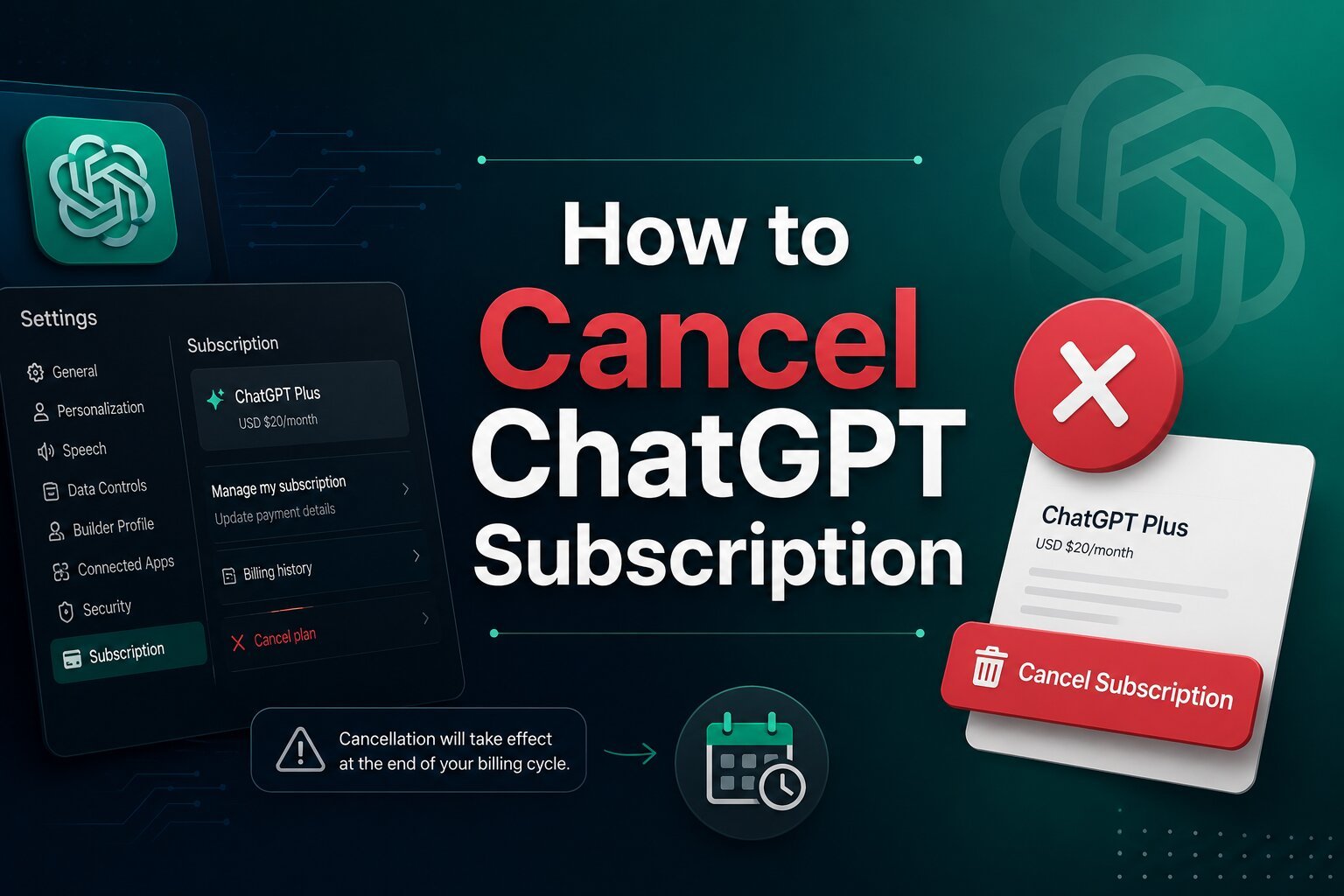
How to Cancel ChatGPT Subscription: A Step-by-Step Guide (2026)
ChatGPT Plus, Pro, and Go are OpenAI’s paid tiers, giving subscribers higher usage limits, access to advanced models, and extra features like Advanced Voice and Agent mode. But plans change — maybe the free tier now covers your needs, you’re testing a competitor, or you just want to trim your monthly bills. Whatever the reason, canceling your ChatGPT subscription takes only a couple of minutes, and you can always resubscribe later with no penalty or waiting period.
This guide walks through exactly how to cancel on desktop, iPhone, and Android, what happens to your data afterward, and whether you can get a refund.
Quick Answer
To cancel your ChatGPT subscription, log in at chatgpt.com, go to Settings > Account > Manage Subscription, and select “Cancel Plan.” Your Plus, Pro, or Go access stays active until the end of your current billing cycle, then your account automatically reverts to the free plan.
What Is ChatGPT Plus?
ChatGPT Plus is OpenAI’s entry-level paid subscription, priced at $20/month. It includes:
- Higher and more reliable message limits than the free tier
- Access to OpenAI’s more advanced reasoning models
- Faster response times, even during peak hours
- Features like Advanced Voice Mode, Projects, and custom GPTs
- Priority access to new features as they roll out
Above Plus sits ChatGPT Pro (around $200/month, for heavier daily use) and ChatGPT Go (a lower-cost tier in some regions). The cancellation process is the same across all three — only the price and included usage differ.
Before You Start: Know Which Account Billed You
This is the step people skip, and it’s the reason “canceled” subscriptions keep charging. ChatGPT runs on three separate billing systems, and you have to cancel through the one that actually billed you:
- Signed up on chatgpt.com → OpenAI bills you through Stripe. Cancel inside ChatGPT.
- Signed up on iPhone/iPad → Apple bills you. Cancel through Apple Subscriptions.
- Signed up on Android → Google bills you. Cancel through Google Play.
The device you’re using right now doesn’t matter — only the channel you originally paid through does. Check your receipt email if you’re not sure which one applies to you.
How to Cancel ChatGPT Subscription on Desktop
If you subscribed directly through chatgpt.com, follow these steps:
- Go to chatgpt.com and log in with the account tied to your subscription.
- Click your profile icon in the bottom-left corner.
- Select Settings, then Account.
- Click Manage Subscription (this opens OpenAI’s Stripe-powered billing portal).
- Click Cancel Plan.
- Confirm your choice — you may see a retention offer or discount screen first; keep clicking through to the final “Cancel” confirmation.
- Wait for the confirmation screen, then check your inbox for a cancellation email from OpenAI.
Don’t close the tab until you see the confirmation message — that’s the step people most often miss, leading to an “accidental” renewal.
How to Cancel ChatGPT Subscription on Mobile
iPhone (Apple-billed subscriptions)
- Open Settings on your iPhone.
- Tap your name at the top, then Subscriptions.
- Select ChatGPT.
- Tap Cancel Subscription and confirm.
Apple will show you the expiration date — your Plus access continues until then, so make sure the status reads “canceled,” not just “renews soon.”
Android (Google Play-billed subscriptions)
- Open the Google Play Store app.
- Tap your profile icon, then Payments & subscriptions.
- Tap Subscriptions and select ChatGPT.
- Tap Cancel Subscription and follow the prompts.
Browser-based subscriptions on mobile
If you originally signed up through a mobile browser rather than the App Store or Play Store, your subscription is billed by OpenAI, not Apple or Google. In that case, follow the desktop steps above using your phone’s browser — the “Manage Subscription” option will take you to the same Stripe billing portal.
What Happens After You Cancel?
- You keep paid access until the billing period ends. Cancellation stops future renewals; it doesn’t cut off access immediately.
- Your account drops to the free tier automatically once the paid period expires — lower message limits, no advanced models, no Advanced Voice or Agent mode.
- Your chat history, memories, and custom GPTs stay intact. Canceling doesn’t delete your account or conversations.
- You can resubscribe anytime. Click “Upgrade Plan” whenever you like — there’s no waiting period or reactivation fee, and paid features come back within minutes.
Can You Get a Refund?
OpenAI’s general policy is that subscription payments are non-refundable, and there are no prorated refunds for partial months. That said, there are specific exceptions:
- Accidental purchases reported within 14 days of the charge are generally eligible for a refund.
- EU, UK, and Turkey residents have a statutory right to cancel and request a refund within 14 days of purchase under consumer protection law.
- Apple or Google Play purchases must be refunded through Apple or Google’s own support channels, not OpenAI — since they processed the payment.
To request a refund from OpenAI directly:
- Log in to the account that was charged at chatgpt.com.
- Go to the OpenAI Help Center and open the chat widget in the bottom-right corner.
- Request a refund and describe your situation.
- If approved, refunds are typically processed within 5–7 business days.
Keep in mind that canceling your subscription and requesting a refund are two separate actions — canceling alone does not trigger a refund.
Common Reasons People Cancel ChatGPT Plus
- Cost concerns — $20/month adds up alongside other software subscriptions.
- Infrequent use — the free tier’s limits are enough for light, occasional use.
- Trying alternatives — testing competing AI tools before committing long-term.
- Temporary cancellation — pausing during a low-usage period, like a vacation or slow work season.
- Budget adjustments — trimming recurring costs during a broader spending review.
Troubleshooting Subscription Issues
Can’t find the Cancel button? The “Cancel Plan” option only appears for subscriptions billed directly by OpenAI. If you signed up through iOS or Android, “Manage Subscription” will redirect you to Apple or Google instead — that’s expected, not a bug.
Multiple accounts? If you have more than one OpenAI account, check the email address on your billing receipt to confirm which one holds the active subscription, then log in to that specific account before canceling.
Billing or payment problems? Double-check your payment method hasn’t expired and that you’re logged into the correct account. Outdated card details can sometimes make subscription pages behave unexpectedly.
Still stuck? Contact OpenAI support through the Help Center chat widget at help.openai.com, making sure you’re logged in with the account tied to the subscription. For Apple or Google Play subscriptions, contact Apple Support or Google Play Support directly, since OpenAI can’t cancel or refund those from its side.
Frequently Asked Questions
Can I cancel ChatGPT Plus anytime?
Yes. There’s no lock-in period or cancellation fee. You can cancel whenever you like, and you’ll keep access until the current billing cycle ends.
Will I lose my chats after canceling?
No. Canceling only removes paid features. Your chat history, memories, and custom GPTs remain in your account, and you can keep using the free version.
Can I reactivate my subscription?
Yes, instantly. Log in, click “Upgrade Plan,” and choose a tier. There’s no reactivation fee or waiting period.
How do I contact OpenAI support?
Log in at chatgpt.com or help.openai.com and open the chat widget in the bottom-right corner to reach OpenAI’s support team.
Does ChatGPT offer refunds?
Generally no, except for accidental purchases reported within 14 days, or EU/UK/Turkey residents within their legal 14-day window. Refunds are requested separately from cancellation.
Is ChatGPT free after cancellation?
Yes. Once your paid period ends, your account automatically reverts to the free version of ChatGPT, with lower usage limits and fewer features.
Can I switch plans instead of canceling?
Yes. You can move between Plus, Pro, and Go tiers from the same billing portal without fully canceling first.
How long does cancellation take?
The cancellation itself takes about a minute or two. Your paid access then continues until the end of the billing period you already paid for.
Final Thoughts
Canceling your ChatGPT subscription is a quick, straightforward process — as long as you cancel through the same channel that billed you, whether that’s OpenAI, Apple, or Google. You’ll keep full access until your current billing cycle wraps up, your chats and account stay exactly as you left them, and reactivating later takes less than a minute if you change your mind. Use this guide to match the cancellation method to how you originally subscribed, and make the call that fits your usage and budget.

